Weblinks
Weblinks in odrive are similar to weblinks you can create in other storage services like Dropbox. However, you can manage links you've made across all of your storage locations all in one place.
Convenient and secure
Weblinks are useful as a lightweight and safe way of sending files and folders to people that may not be odrive users. You can send anyone a weblink to access a file or a folder within your odrive. There are several ways that this weblink is secure:
- A password can be added that is required to use the link.
- An expiration date for the weblink can be set.
- The underlying storage and file location are masked to your recipient.
- You can remove the weblink at any time to make it no longer usable.
Manage your links across all storage from one place
Your sharing view gives you a summary listing of your web links and how many times they've been visited. You can easily reconfigure or delete your share links from here.
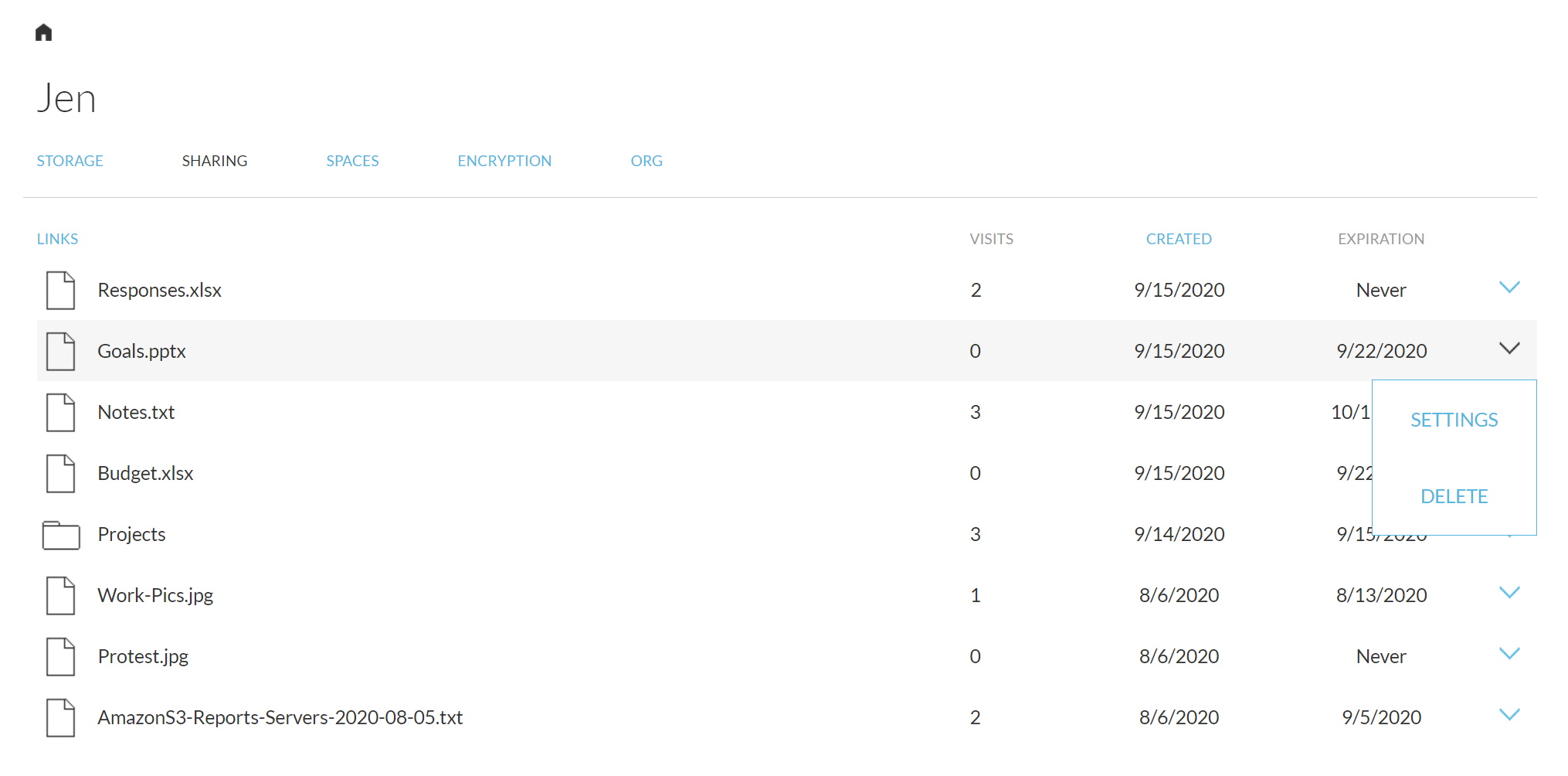 Manage all your web links from the sharing page.
Unlimited weblink access with subscription
With an active subscription, there is no limit on the number of times your weblinks can be accessed.
Links point to the current version of a file in storage
Weblinks are "live" in the sense that if I send you a weblink to a folder and I later update a couple of the files inside of it, you will see the changes if you use the weblink at this point. There's no need to create a separate weblink each time you update the file.
Create weblinks from the web client or sync app
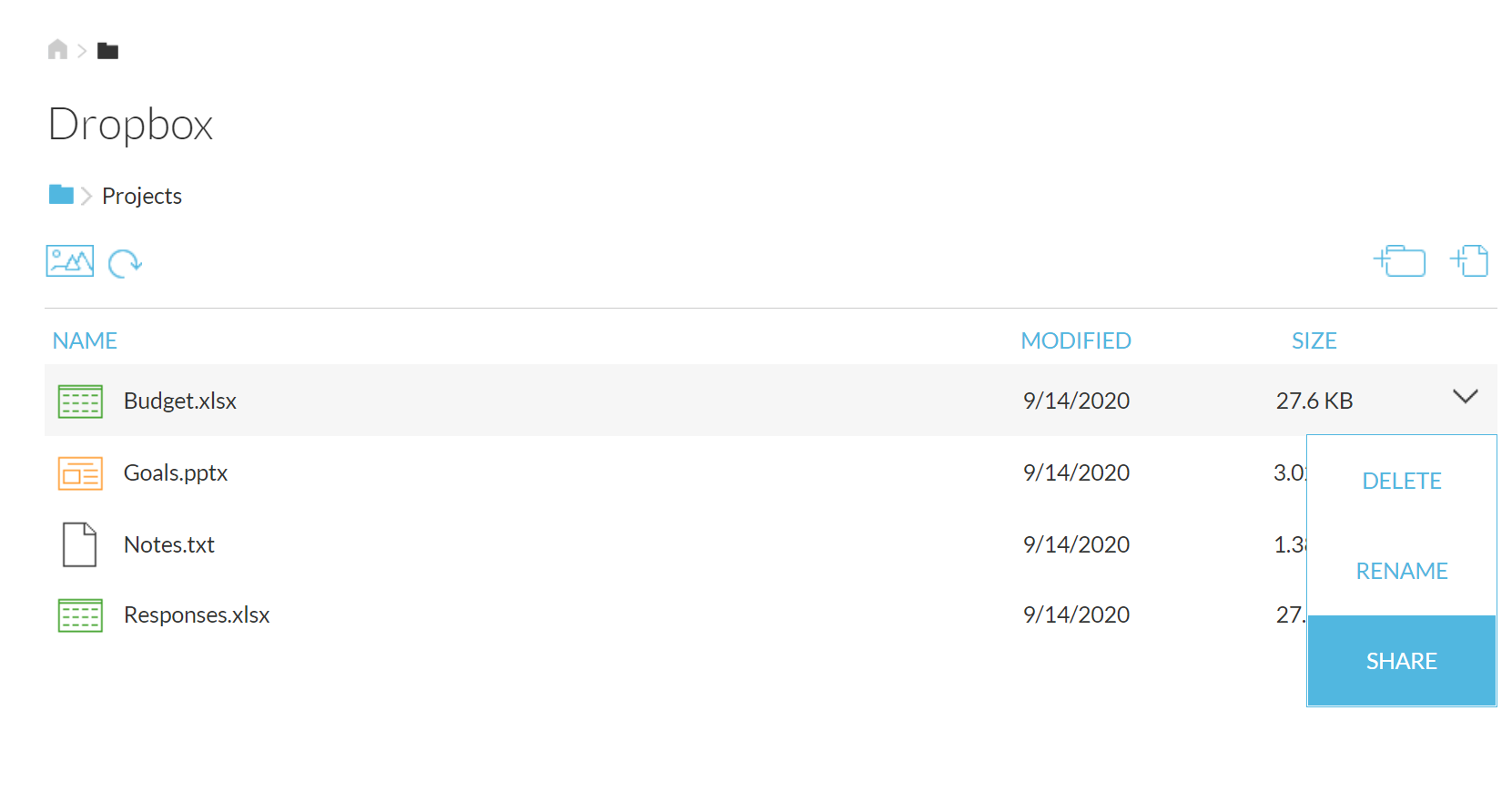
From the web client, you can find the file you want to share and use the SHARE option from the dropdown menu.
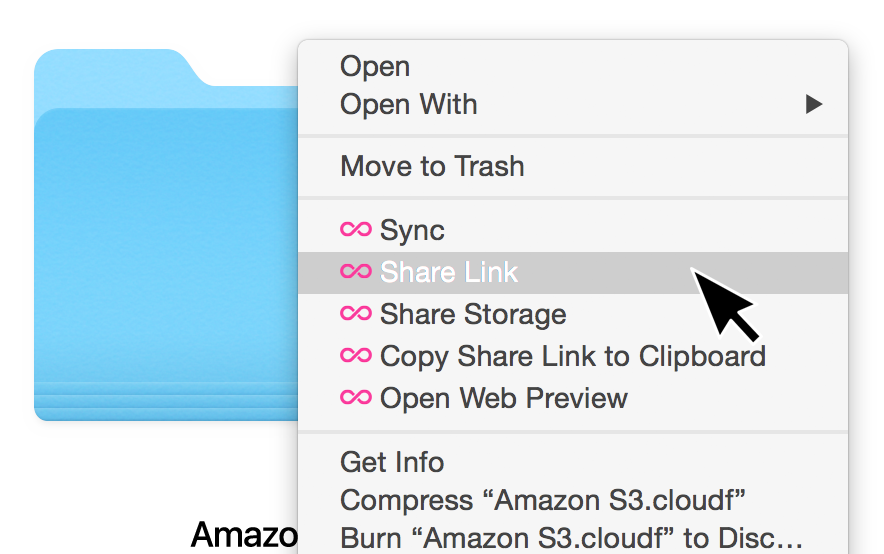
There is a right-click option on the desktop client to conveniently create a share link for a file.